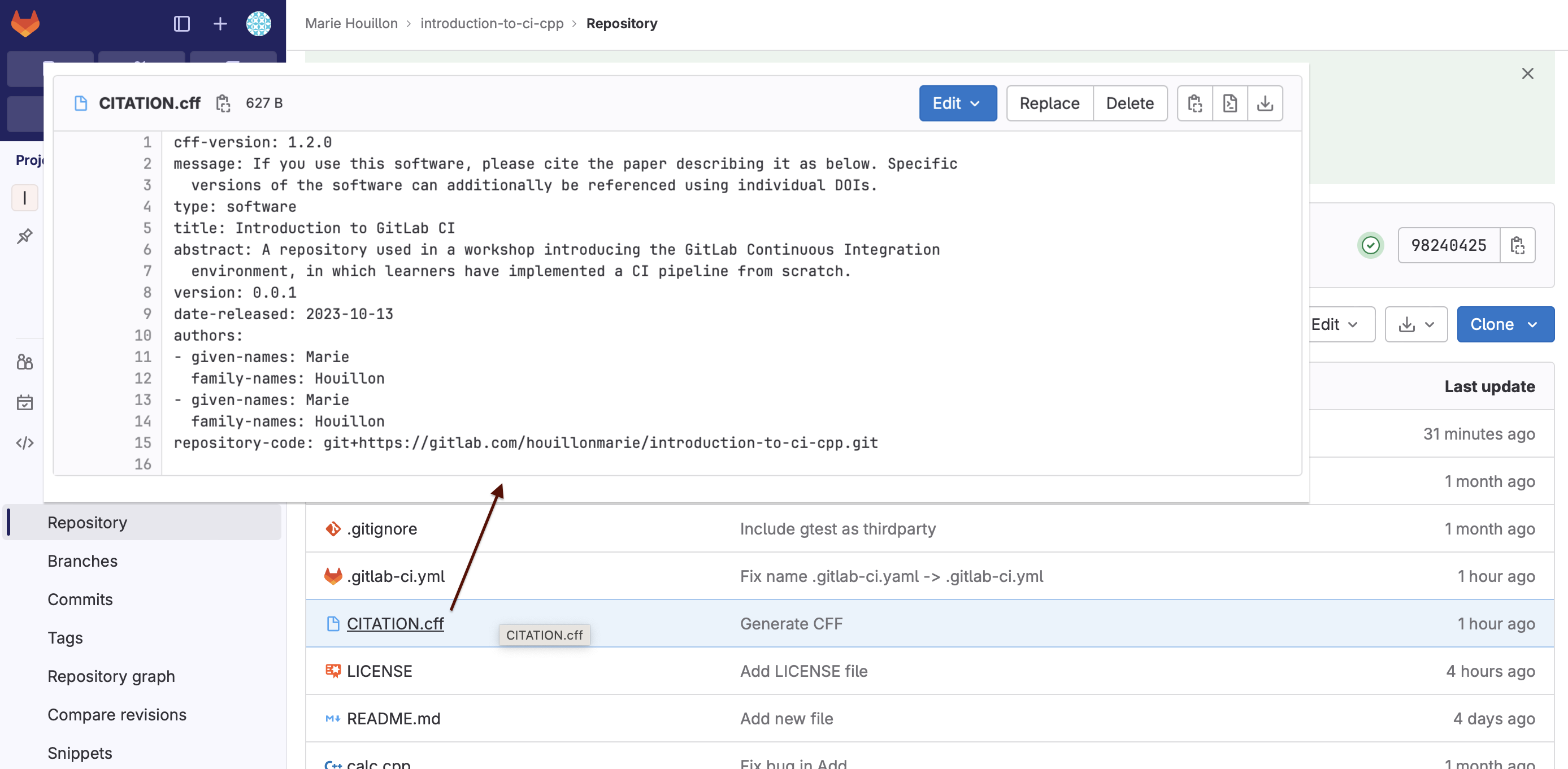
Automatic CFF (Citation File Format) file generation
In this tutorial, you will learn how to use FACILE-RS to generate a Citation File Format (CFF) metadata file automatically (using Continuous Integration) in your own GitLab project, from a CodeMeta file that you maintain manually.
Prerequisites
Here are the prerequisites to implement this workflow in your own project:
Your project is hosted on a GitLab instance.
You have a Docker GitLab runner available for your project (for testing purposes, it is possible to host your project on https://gitlab.com and benefit from free GitLab runners (400 compute minutes per month at the time I write those lines)). To see which runners are available for your project, go to Settings -> CI/CD -> Runners. See also the GitLab documentation for creating your own runners.
Create a metadata file in the CodeMeta format
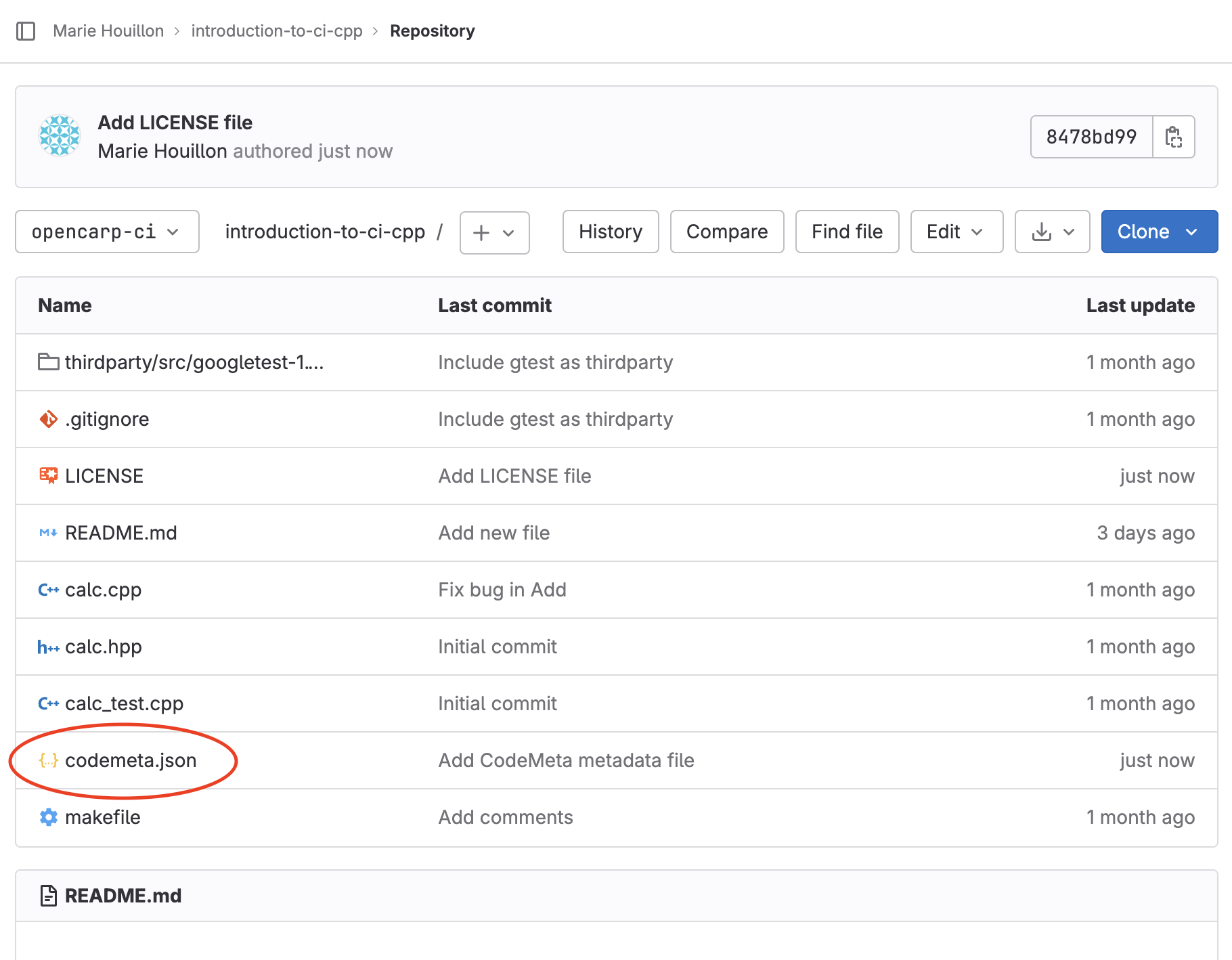
In order to use the FACILE-RS pipeline, you need to maintain a CodeMeta metadata file codemeta.json for your software project.
For generating this file, you can use for example the CodeMeta generator.
Save the file codemeta.json in your project repository.
Create a CI job for generating a Citation File Format (CFF) file
Create the token allowing to push on the repository
We first need to create a project token that will allow the CI job to push the generated files to the repository.
This token will be contained in the CI variable PRIVATE_TOKEN.
To do so:
From your repository in GitLab, go to Settings -> Access Tokens, then click on “Add New Token”.
Choose a name for your token, select the role “Maintainer” and the scopes “api” and “write_repository”.
Create the token and copy its value.
Now go to Settings -> CI/CD -> Variables, and add a new variable with key
PRIVATE_TOKEN. Use as value the token copied at the step before.
As this variable is a token allowing to push to the repository, make it at least be a masked variable so that it is not displayed in the CI logs. We also advise you to make it protected so that it can only be uses on protected branches and tags.
Create the CI configuration
We can now create the CI configuration that will allow to generate a CFF file automatically and push it to the repository.
At the root of your repository, create (or modify) the file .gitlab-ci.yml and add the following content:
stages:
- build

variables:
  PROJECT_NAME: tutorial-metadata

  # Variables for metadata generation that will be used by the script `create_cff`
  CREATORS_LOCATIONS: codemeta.json
  CODEMETA_LOCATION: codemeta.json
  # Location where the CFF file will be generated
  CFF_PATH: CITATION.cff

include:
- local: .gitlab/ci/cff.gitlab-ci.yml

# This configuration must be used if you have runners with other executors than docker available (for example shell runners)
# To force the jobs to be picked up by docker runners, use the tag associated to the docker runners (usually "docker"):
# default:
#   tags:
#     - docker
We will then create the CI job configuration in .gitlab/ci/cff.gitlab-ci.yml. The content of this file could be integrated directly in the file .gitlab-ci.yml, but we prefer to write it in a separate file so that the CI configuration is more readable when more jobs are added.
So now you can create the file (and parent directories if necessary) .gitlab/ci/cff.gitlab-ci.yml. Use the following content for creating a job that will generate a CFF file and push it to the repository (in the branch used for the commit that triggered the CI pipeline).
create-cff:
  image: python:3.11
  stage: build
  rules:
    - if: $CI_COMMIT_BRANCH
  script:
  # Install FACILE-RS
  - pip install FACILE-RS
  - git config --global user.name "${GITLAB_USER_NAME}"
  - git config --global user.email "${GITLAB_USER_EMAIL}"
  # See https://facile-rs.readthedocs.io/en/latest/apidocs/facile_rs/facile_rs.create_cff.html for more information about this command
  - facile-rs cff create
  # Ignore the remaining steps if you don't want to push the generated CFF file to the repository
  # To simply visualize the generated CFF file in the CI job logs, you can use:
  #- cat ${CFF_PATH}
  - git add ${CFF_PATH}
  # Commit only if CFF file has been updated
  - git diff-index --quiet HEAD || git commit -m 'Update CFF file'
  # Push to the repository, but do not trigger CI
  - git push -o ci.skip "https://PUSH_TOKEN:${PRIVATE_TOKEN}@${CI_REPOSITORY_URL#*@}" "HEAD:${CI_COMMIT_BRANCH}"
Run the CI pipeline
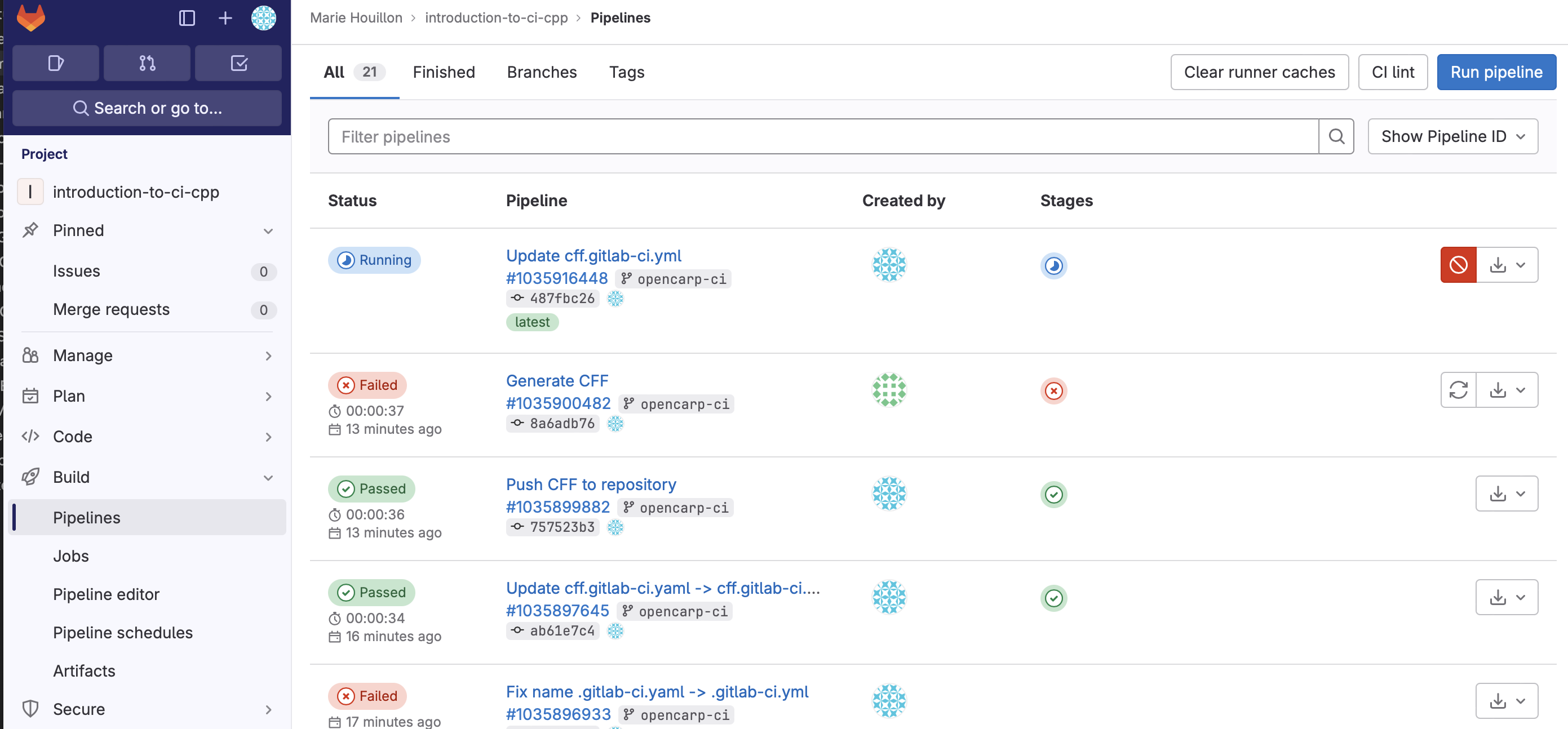
After you have pushed the CI configuration to the repository, a CI pipeline should have been run automatically. You can check the CI pipelines by going to Build -> Pipelines in the project menu.
After the pipeline is run, the file CITATION.cff should have been generated and pushed to your repository.
If no CI pipeline has been run, it is maybe that no Docker runner is available for your project.